archlaptop-anim.gif (9392 bytes)

Exercise 01 - VIZ Introduction and Solids


Overview

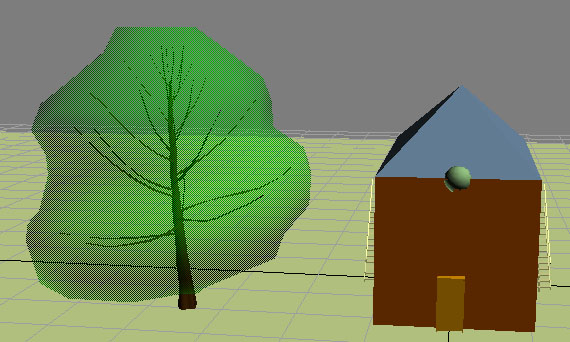
In this exercise students will tour VIZ, setup units, create solids, and transform solids by modeling a very simple house.


Exercise

1) Set units to be inches/feet with inches as the default unit.


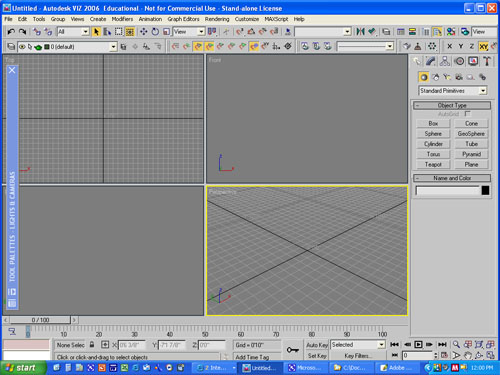
2) Toggle the viewports to 4 viewport layout

3) Create the following solids:
  • Box 20'x40'x20'
  • Pyramid 20'x40'x10'
  • Sphere 3'dia.
  • Plane 300'x300', 20 grids
  • try other solids ...
4) Create the following AEC objects:
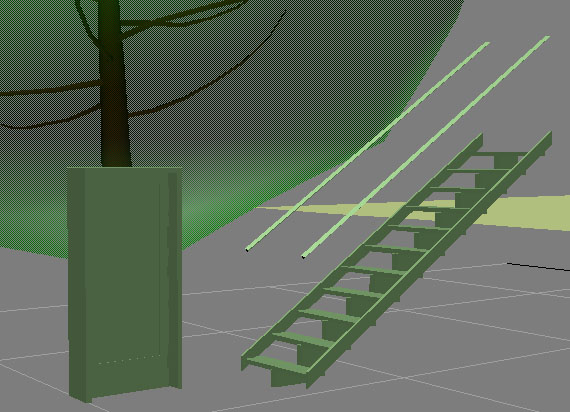
  • Door 36"x 6'-8"x1.75"(frame 6")
  • Stair 36"wide x 10' overall rise x 9.5" treads
  • A tree

5) Modify the geometry:
  • Box - 19' tall
  • Stairs - 10' tall
  • change colours
  • change object names
6) Create layers and place each object on appropriate layer (follow CAD standards)


7) Transforms
  • set grids and snaps
  • rotate pyramid to orient to house
  • move pyramid on top of house
  • put stair on side of house
  • scale sphere 110% and place on front of roof
  • place door in front of house
  • clone stairs (instance) to other side of house

8) Group house into single object.

9) Make it snow using the particle tool.


Return to Top